
The search for the best commission tracking software usually starts with a spreadsheet problem. A Finance leader hits month-end, the commission reconciliation takes three days, and two reps dispute their numbers before payroll closes. The fix feels obvious: find a tool that does this automatically.
But “automatically” covers a lot of ground. Some platforms are built for rep-facing motivation dashboards. Others are enterprise-grade incentive compensation management (ICM) systems that govern multi-tier hierarchies across thousands of payees. Most buyers don’t know which category they actually need until they’re mid-evaluation.
This guide is built for FP&A leaders and RevOps teams who need to get this decision right. It covers what commission tracking software actually does, what criteria separate good tools from expensive mistakes, and how six leading platforms compare in 2026.
What “commission tracking software” actually means
The term gets used loosely, and that’s where buyer confusion starts.
Commission tracking software automates the core workflow: ingest deal and booking data from your CRM or ERP, apply plan logic (rates, tiers, splits, accelerators), calculate earnings per payee, route for approvals, surface rep-facing statements, and export to payroll or accounting. At its most basic, it replaces the spreadsheet.
Incentive compensation management (ICM) is broader. ICM covers the same calculation engine but adds quota and territory management, capacity planning, predictive modeling, and deeper governance controls. Enterprise platforms like Xactly and CaptivateIQ position themselves as full ICM suites. Lighter-weight tools like QuotaPath focus on the calculation and tracking layer without the full governance stack.
The practical difference for Finance: ICM platforms tend to require more implementation resources and IT involvement. Commission tracking tools tend to deploy faster but may hit limits if your plan logic gets complex. The right answer depends on what you’re actually running.
For reference, how sales compensation works in 2026 is a useful primer if your team is newer to the space.
Edge cases that break simpler tools
Before you evaluate any platform, map your plan edge cases. The following constructs are where most spreadsheet-based and entry-level tools fall apart:
- Splits: Multiple reps credited on a single deal at varying percentages
- Holdouts/holdbacks: Withholding a portion of earned commission pending a condition (e.g., customer payment received)
- Ramps: Graduated quota or rate schedules during a rep’s onboarding period
- Clawbacks: Recovering paid commissions when a deal cancels or a condition isn’t met
- Accelerators: Rate increases once a rep crosses a quota threshold
- Tiering: Different rates across revenue bands within a single period
- Multi-tier structures: Overlay or management-level commissions that cascade from rep-level results
If your plans include three or more of these constructs regularly, your minimum viable tool is one that handles them natively, not via workarounds or manual overrides.
The criteria FP&A/Finance should use to evaluate commission software
Most vendor pages lead with rep-facing motivational dashboards. Finance needs a different lens.
Accuracy and explainability
Can every payout be traced back to source data and the specific plan rule that produced it? Line-by-line calculation visibility isn’t optional for Finance teams closing books or handling auditor requests. A tool that gives you a number but not a traceable path to that number creates downstream risk.
Audit trails and governance
Immutable calculation history, version-controlled plan documents, approval workflows, and the ability to replay a historical period are table-stakes for teams with financial reporting obligations. If you’re subject to ASC 606 or similar revenue recognition standards, your commission system needs to produce audit-ready outputs, not just a summary export.
Real-time visibility for reps and managers
When reps can see their earnings, attainment, and calculation logic in real time, dispute volume drops. Reducing commission disputes is often the first ROI signal Finance sees after deployment.
Integration depth
Commission accuracy depends on clean data at the source. Evaluate whether a platform connects natively to your CRM (Salesforce, HubSpot), ERP or billing system, and payroll tool. Also ask about sync cadence (real-time vs. batch) and what happens when source data changes after a calculation runs.
Plan flexibility
This is where mid-market and growth-stage teams get burned. A tool built for simple flat-rate plans will require workarounds, manual overrides, or spreadsheet supplements once you add splits, holdouts, or multi-product tiers. Evaluate using your actual most-complex plan, not a demo scenario.
Implementation speed and resource requirements
Some platforms require six-to-twelve months of professional services to go live. Others are designed to deploy in weeks. The right answer depends on your complexity, but your Finance team should know what they’re signing up for in terms of IT, data engineering, and internal project ownership.
Total cost of ownership (TCO)
Listed per-seat pricing rarely tells the full story. Look at onboarding and implementation fees, connector/integration costs, support tier pricing, and minimum seat commitments. A $20/seat tool with $50k in onboarding services can be more expensive at year one than a $45/seat platform that goes live in four weeks.
Shortlist: best commission tracking software in 2026 by use case
No single platform wins every evaluation. The right tool depends on your plan complexity, team size, existing tech stack, and governance requirements.
| Best for | Top pick |
|---|---|
| Finance/FP&A governance + complex plans | EasyComp |
| Enterprise ICM + predictive modeling | CaptivateIQ |
| Large enterprise with legacy governance needs | Xactly |
| Salesforce-native orgs | Salesforce Spiff |
| Fast deployment + usability | Everstage |
| AI-native, lighter-complexity teams | QuotaPath |
Side-by-side feature comparison table
| Feature | EasyComp | CaptivateIQ | Xactly | Salesforce Spiff | Everstage | QuotaPath |
|---|---|---|---|---|---|---|
| Line-by-line explainability | Yes | Partial | Partial | Partial | Partial | Limited |
| Immutable audit trail | Yes | Yes | Yes | Yes | Yes | Limited |
| Dispute workflow | Yes | Yes | Yes | Yes (in-app comments) | Yes | Limited |
| Splits/ramps/holdouts/tiers | Native | Native | Native | Yes | Yes | Partial |
| Clawbacks + accelerators | Yes | Yes | Yes | Yes | Yes | Partial |
| Salesforce integration | Yes | Yes | Yes | Native | Yes | Yes |
| HubSpot integration | Yes | Limited | Limited | Limited | Yes | Yes |
| Real-time rep statements | Yes | Yes | Yes | Yes | Yes | Yes |
| ASC 606-ready reporting | Yes | Yes | Yes | Partial | Yes | Not stated |
| Transparent pricing | Yes ($30/$45) | Not public | Not public | Partial | Not public | Not public |
| Implementation speed | Weeks | Weeks-months | Months | Weeks-months | Weeks | Weeks |
| SOC 2 Type II | Yes | Yes | Yes | Yes (Salesforce) | Yes | Yes |
| Best fit | FP&A/RevOps | RevOps/Finance | Enterprise | Salesforce orgs | RevOps/Sales | Small-mid teams |
Vendor deep dives
EasyComp
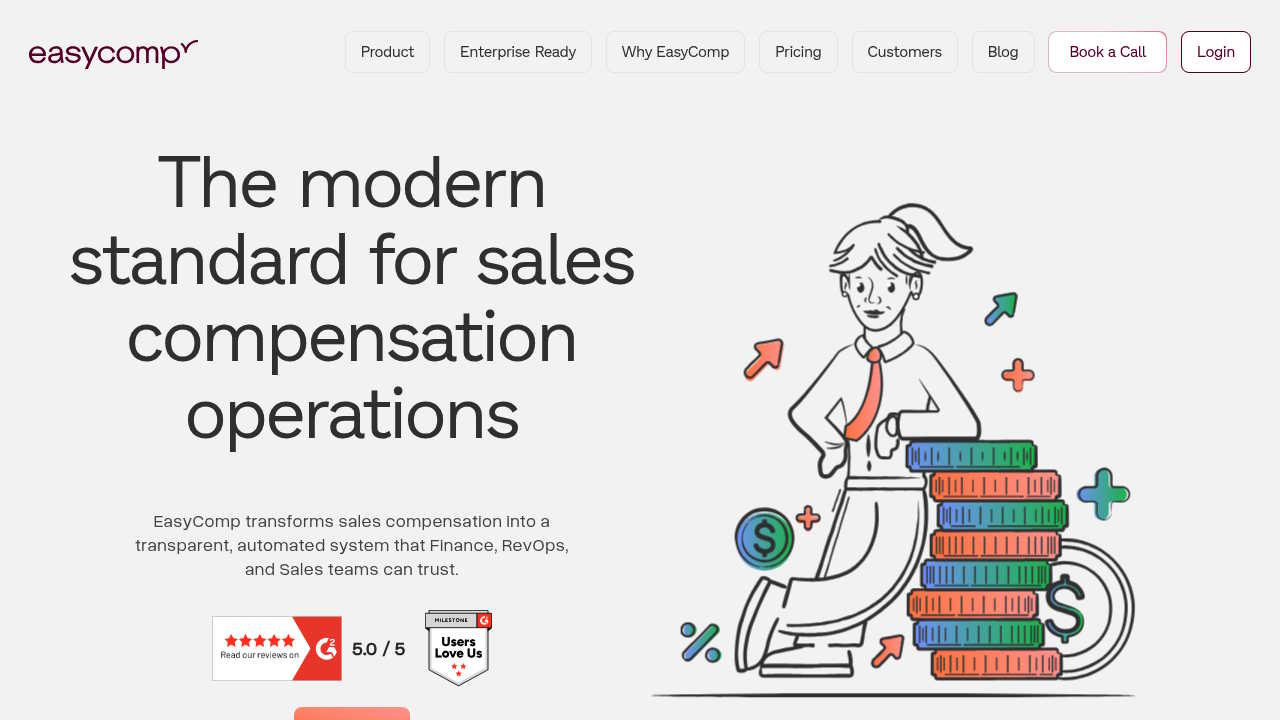
EasyComp is built around a single premise: every commission payout should be explainable. Finance teams get line-by-line visibility into calculation logic, clear links between payouts and plan rules, and an immutable audit trail that survives an auditor request or an internal dispute.
On the plan complexity side, EasyComp natively handles splits, ramps, tiers, holdouts, clawbacks, accelerators, draws, overrides, and multi-tiered commission structures. These aren’t add-ons; they’re core to how the plan builder works. Integrations cover Salesforce, HubSpot, and Google Sheets out of the box.
Pricing is transparent: Starter at $30/user/month and Growth at $45/user/month, with Enterprise on a quote basis. The platform is independently audited to SOC 2 Type II standards and positions go-live at weeks, not months. For Finance teams starting an ROI estimate, EasyComp offers a sales compensation ROI calculator that models hours saved, dispute reduction, and payout cycle improvements.
Best for: FP&A and Finance teams that need audit-ready outputs, explainable calculations, and complex-plan support without a multi-month professional services engagement.
Trade-off: Newer to the market than Xactly or CaptivateIQ, so the enterprise reference base is smaller. Worth verifying customer fit for very large (1,000+ payee) deployments.
CaptivateIQ
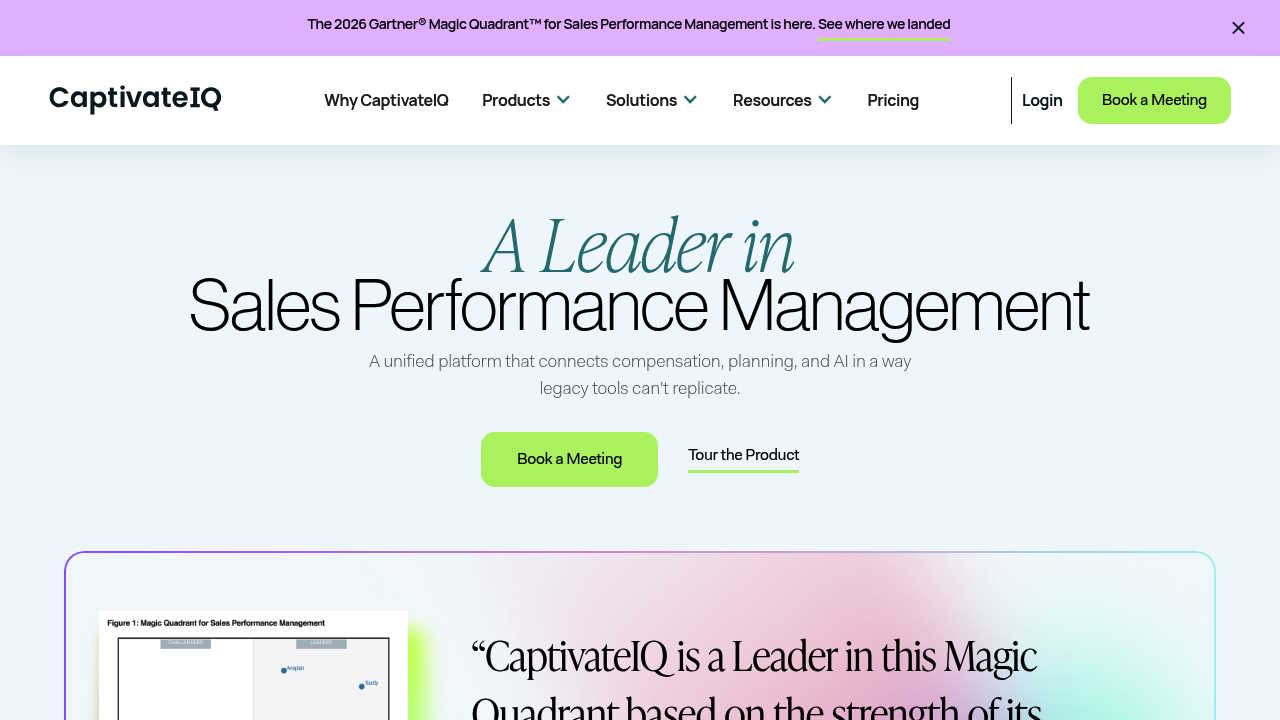
CaptivateIQ’s standout feature is its SmartGrid ELT engine, which gives admins a spreadsheet-like interface for building and managing commission logic. For teams that want flexibility without hard-coded formulas in a legacy system, that’s genuinely useful. CaptivateIQ also covers Quota and Capacity Planning, Territory Management, Reporting and Analytics, and Predictive Modeling as part of a broader ICM suite.
Best for: Mid-to-large organizations where Finance or RevOps wants modeling flexibility and the team has the admin bandwidth to manage it.
Trade-off: The spreadsheet-style configurability that makes CaptivateIQ powerful also means complex plans require more admin expertise to maintain over time. Pricing is not public. For a direct comparison, see CaptivateIQ vs EasyComp.
Xactly

Xactly has the longest track record in enterprise ICM and strong governance credentials. Large organizations with complex approval hierarchies, multi-system integrations, and strict SOX compliance requirements often cite Xactly as a natural fit. The breadth of the platform is real.
Best for: Large enterprises where governance, compliance history, and benchmark data (from Xactly’s benchmarking dataset) are priorities.
Trade-off: Implementation timelines tend to be longer, often measured in months. The UX has a legacy reputation among users who’ve come from newer SaaS tools. For teams evaluating a switch, the best alternatives to Xactly guide covers the landscape in detail.
Salesforce Spiff
Spiff is now part of Salesforce and lives inside the Sales Cloud ecosystem. Its core features include a Commission Estimator, Spiff Designer for plan configuration, customized rep statements, in-app comments and notifications, and full audit trail and tracing. For teams where Salesforce is the system of record and they want native integration without a separate vendor contract, Spiff makes operational sense.
Best for: Salesforce-native sales organizations where the CRM is the source of truth and rep-facing motivation features are the primary goal.
Trade-off: Less flexible outside a Salesforce-centric stack. Finance teams that need deep ERP or billing integrations, or organizations running HubSpot or mixed CRM environments, will find Spiff more limiting. See how it stacks up in the Spiff vs EasyComp comparison.
Everstage
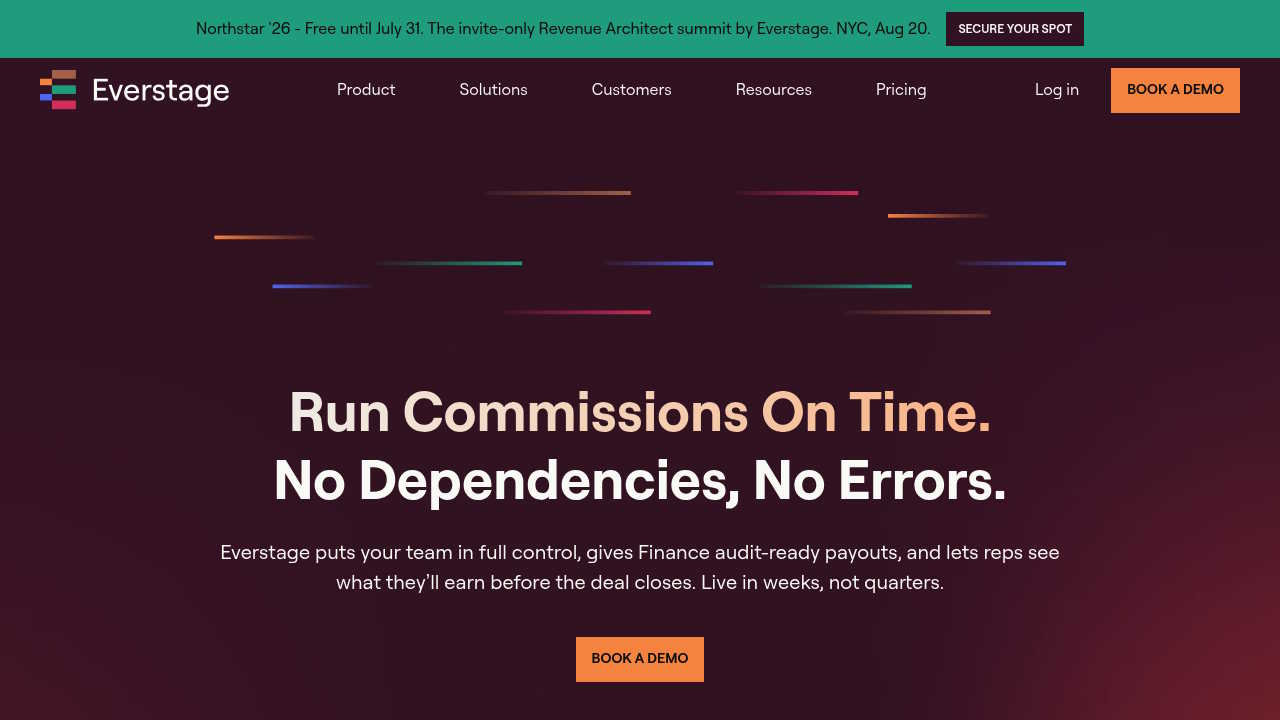
Everstage targets Finance teams directly with messaging around a “single audit trail from plan to payout” and ASC 606-ready reporting. Deployment speed is a differentiator in their positioning, and the plan builder UX gets good marks for usability among non-technical admins.
Best for: RevOps and Finance teams that want faster deployment and clean audit trails without a heavy implementation.
Trade-off: Customization depth is a variable. Teams with highly complex multi-tier or overlay structures should run their most complex plan through a proof-of-concept before committing.
QuotaPath

QuotaPath positions itself as AI-native commission management software, with automated tracking, payout automation, and comp plan modeling with benchmarks. The time-to-value story is strong for smaller or less-complex teams, and the product is designed to replace spreadsheets quickly.
Best for: Smaller sales teams or those with straightforward commission plans who want to move off spreadsheets fast with an AI-assisted workflow.
Trade-off: Complex multi-system environments, overlay hierarchies, and deep Finance governance requirements are where QuotaPath hits friction. Pricing isn’t publicly listed.
Implementation and migration: what a real rollout looks like
Every vendor says implementation is easy. The realistic picture depends on your plan complexity and your data quality.
A standard rollout follows this sequence:
- Data mapping: Document your CRM fields, deal stage definitions, and which data points drive commission calculations. Gaps here cause the most rollout delays.
- Plan configuration: Build plan logic in the new system, covering all edge cases (splits, holdouts, tiers, ramps). Don’t skip the edge cases in configuration; they’ll show up in payroll if you do.
- Integration setup: Connect CRM, billing, and payroll systems. Confirm sync cadence and what happens to in-flight calculations when a source record changes.
- Parallel run: Run the new system alongside your existing process for at least one full pay period. Compare outputs line by line before decommissioning the old method. This step catches data mapping issues that were invisible in testing.
- Approval workflow configuration: Set up manager and Finance approval gates, dispute channels, and escalation paths.
- Rep statement rollout: Communicate the change to reps, give them access to their statements, and confirm they can trace their own calculations.
- Audit export validation: Confirm that the system can produce payroll-ready and audit-ready exports in the format your Finance team actually needs.
Timeline variance is real. Simple plans with one CRM integration can go live in two to four weeks. Complex plans with multiple integrations, overlay hierarchies, and legacy data migrations can take two to four months regardless of vendor. Choosing the right sales commissions management solution covers what to look for in your evaluation.
ROI and TCO: estimating the real payback
A simple ROI model for commission tracking software covers four categories:
Time savings: How many hours per month does Finance spend on commission reconciliation, dispute resolution, and audit prep? A team spending 40 hours per month on this at fully-loaded labor costs recovers significant value quickly.
Dispute reduction: Commission disputes cost time from Finance, RevOps, and management. When reps have real-time visibility into their calculations, dispute volume typically drops. That’s recoverable admin time and reduced rep distraction.
Payout cycle speed: Faster close means payroll accuracy goes up and the risk of catching errors post-payment goes down. Clawbacks are expensive, logistically and culturally.
Error reduction: Manual spreadsheet processes have error rates that compound over time. One incorrect holdout calculation or a missed clawback in a spreadsheet can persist across multiple periods.
Where TCO hides
Look beyond per-seat pricing when comparing vendors:
- Onboarding and implementation fees: Some platforms charge flat-rate implementation; others bill professional services hourly. Get this in writing.
- Connector and integration fees: A CRM connector that costs $200/month doesn’t appear in per-seat pricing.
- Support tier minimums: Standard support may mean async email only. Dedicated CSM or priority support often costs extra.
- Seat minimums: Platforms with 25-seat or 50-seat minimums can inflate year-one cost for smaller teams.
EasyComp’s sales compensation ROI calculator lets you model these numbers based on your actual team size and current process. It covers time saved on calculations, dispute resolution, shadow accounting, audit prep, and attrition, with a downloadable PDF output.
For a broader cost picture, the GTM operations cost analysis tool estimates the full cost of your current comp operations setup.
FAQ: common questions when evaluating commission software
Is Salesforce Spiff commission tracking software or ICM? It’s both, though it leans toward rep-facing commission tracking with strong Salesforce-native integration. Its governance and modeling depth is narrower than Xactly or CaptivateIQ.
What’s the difference between CaptivateIQ and Xactly? CaptivateIQ is positioned around flexible modeling and a modern UX with a spreadsheet-like plan builder. Xactly is an older, deeper enterprise ICM with broader compliance history and benchmarking data. CaptivateIQ tends to fit faster-moving mid-market and growth teams; Xactly tends to fit large enterprises with complex governance structures already in place.
How long does implementation take? Simple plans with one CRM: two to four weeks with a well-prepared vendor. Complex plans with multiple integrations and legacy data: two to four months. Vendors who promise two-week timelines for complex deployments are optimistic. Get a timeline tied to your specific plan logic and data state.
Do these tools replace spreadsheets entirely? For the commission calculation workflow, yes. For FP&A modeling and planning (quota builds, headcount scenarios, what-if analysis), most teams keep a spreadsheet layer alongside their commission platform. The goal is removing spreadsheets from the calculation and payout workflow, not from planning entirely. The case for replacing commission spreadsheets explains where the risk concentrates.
What do Finance teams need for auditability? At minimum: immutable calculation history, version-controlled plan documents, approval workflow logs, the ability to replay any historical pay period, and exports in a format your auditors or accounting team can consume. ASC 606 compliance adds requirements around recognizing commission expense over contract periods, which not all tools handle natively.
What integrations are required for accurate commission calculations? At minimum, a CRM connection to capture deal data (Salesforce or HubSpot are the most common). Most mid-market teams also need a billing or ERP connection for payment confirmation (relevant for holdout and clawback logic) and a payroll export. Data warehouse integrations (Snowflake, BigQuery) matter for teams running custom attribution or multi-system hierarchies.
How to choose
The right platform is the one built for your actual plan complexity and your Finance team’s governance requirements, not the one with the best G2 rating or the largest marketing budget.
If you’re running splits, holdouts, ramps, and multi-tier structures and you need every payout to be traceable to source data and plan rules, EasyComp’s explainability-first design and transparent pricing ($30/$45 per user/month) make it a strong starting point. For large enterprises with deep governance needs and existing Xactly relationships, that platform still has real merits. For Salesforce-native orgs with simpler plans, Spiff is worth a close look.
Start with your hardest plan edge case. Run it through any tool you’re evaluating in a proof-of-concept, not just a demo. The platforms that handle your actual complexity without manual workarounds are the ones that will hold up at month-end.
Book a consultation with EasyComp to walk through your specific plan logic, or use the ROI calculator to build a business case before you start vendor conversations.